News
Nano Banana 2.1 review: 4K images at one flat price
Nano Banana 2.1 brings 1K, 2K and 4K image generation and reference editing at a price of $0.014 per image. See its limits, use cases and API request.
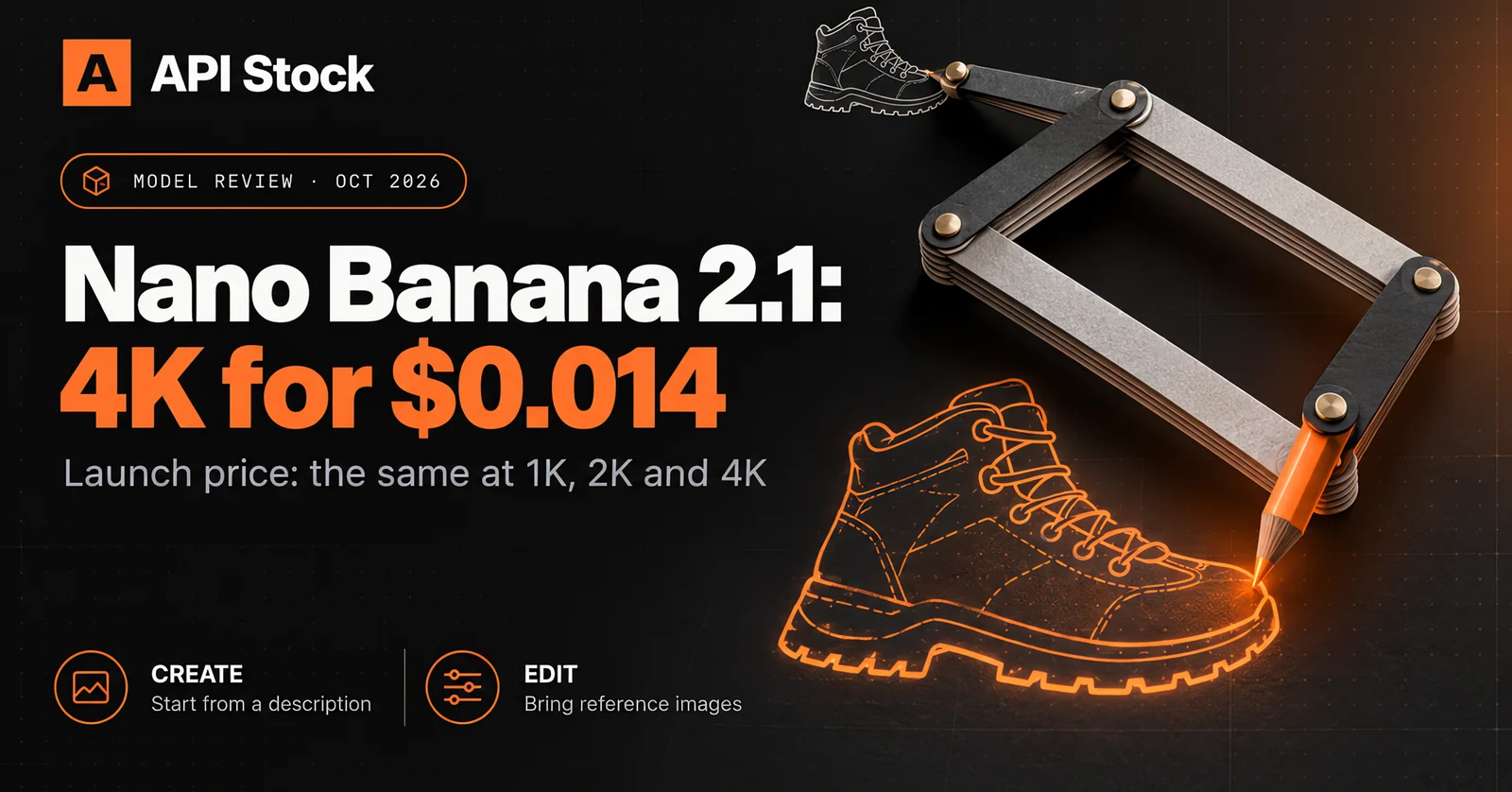
Nano Banana 2.1 supports image generation and reference-based editing at 1K, 2K and 4K, with a price of $0.014 per image on API Stock. That makes the resolution choice straightforward: a 4K request has the same listed generation cost as a 1K request. This review covers the API contract and pricing, not a measured image-quality benchmark.
Available as of 7 October 2026: nano-banana-2.1 is live on API Stock.
All prices below were checked against the live catalog today. You can start
on the model page.
What does Nano Banana 2.1 actually add?
The clearest change is a new model option with three output resolutions and one price. You can describe an image from scratch, or supply reference images and explain what should change. Both use the same generation endpoint, so an application already using the Nano Banana family can keep its task polling and file-download workflow.
The public identifier is nano-banana-2.1. Treat that as an exact API name:
changing it to nano-banana-2 selects a different catalog entry with different
prices. The version number alone is not evidence that every image will be
better, that generation is faster, or that a particular underlying Google
model has received a new public release.
There are also concrete boundaries. The new integration accepts 1K, 2K and 4K; it does not offer the 512px tier. A request produces a single image, so five variations mean five separate tasks. Reference editing is available, but there is no exposed mask parameter or promise of pixel-perfect product preservation. Those distinctions matter more than an incremental version name when you are deciding whether to move an existing workflow.
How much will a Nano Banana 2.1 image cost?
The price is $0.014 per generated image across all three resolution tiers. For comparison, these are the existing Nano Banana prices in the API Stock live catalog on 7 October 2026:
| Model | 1K image | 2K image | 4K image | Price status |
|---|---|---|---|---|
| Nano Banana 2.1 | $0.014 | $0.014 | $0.014 | Live catalog |
| Nano Banana 2 | $0.022 | $0.029 | $0.036 | Live catalog |
| Nano Banana 2 Lite | $0.005 | — | — | Live catalog; 1K tier |
At those prices, 100 Nano Banana 2.1 generations cost $1.40 and 1,000 cost $14.00. These totals count generated images, not approved assets. If you make four candidates for each of 100 products, the generation budget is 400 × $0.014 = $5.60, before any further variations or edits.
At 4K, the price is about 61% below Nano Banana 2's current $0.036 price. That is a price comparison, not a finding that the two models deliver equivalent quality. If one model needs more attempts to meet your brief, its cost per usable image can erase the per-request saving.
Nano Banana 2 Lite remains the cheaper option for 1K drafts: 100 generations cost $0.50 at today's listed price. If a small preview is your final deliverable, paying for a different model is only worthwhile when its results work better for your content. Check current pricing before a large run; the dated figures here are not a price guarantee.
Should you choose 1K, 2K or 4K?
Choose the resolution for the delivery surface. At a flat generation price, there is little billing reason to select 1K over 4K, but larger files still need to be downloaded, stored and served. More pixels also do not repair an incorrect object, a misleading product detail or a poorly composed scene.
1K is useful when you are checking whether a composition works or need a small web image. 2K is a practical candidate for product pages, article illustrations and many social placements. 4K gives you more pixels to work with when preparing larger assets or crops. Inspect the actual downloaded file dimensions: a resolution tier and an aspect ratio are not an arbitrary exact-width-and-height request.
Set the aspect ratio before generating. For example, use 1:1 for a square
product composition, 3:4 for a portrait placement, or 16:9 for a wide
header. Generating a tightly framed square and later cropping it into a wide
banner can remove the very subject you wanted. Leave room for the final crop
in the prompt, and add important typography in your design tool when its
position must be exact.
Which jobs are worth trying first?
Start with work where you can judge the result against a clear brief. A new model is easier to evaluate on three familiar tasks than on an open-ended request to make something impressive.
An editorial illustration from text. Describe the subject, composition, light and intended placement. This prompt is a starting point, not a claim about an image we generated:
An editorial still life of a charcoal hiking boot on weathered stone, soft overcast daylight, visible fabric texture and a restrained neutral palette. Place the boot on the right half of a wide composition. Keep the left half simple for a headline that will be added later. No text or logos.
Check whether the boot is complete, the texture is plausible and the empty space is actually usable. A striking image with no room for the headline fails this particular brief.
A background change for an existing product photo. Supply a reference in
urls, then separate what must stay from what may change:
Use the supplied hiking boot photo as the product reference. Preserve its shape, material, lace arrangement and sole outline. Replace the background with pale stone and soft daylight. Keep the entire boot visible. Do not add labels, accessories or a second boot.
The preservation instructions are a request, not a guarantee. Compare the result with the original, especially seams, sole geometry, fasteners and branding. Use the original photograph when an exact product detail cannot be reproduced reliably. Our image-editing guide explains how reference-based workflows are structured.
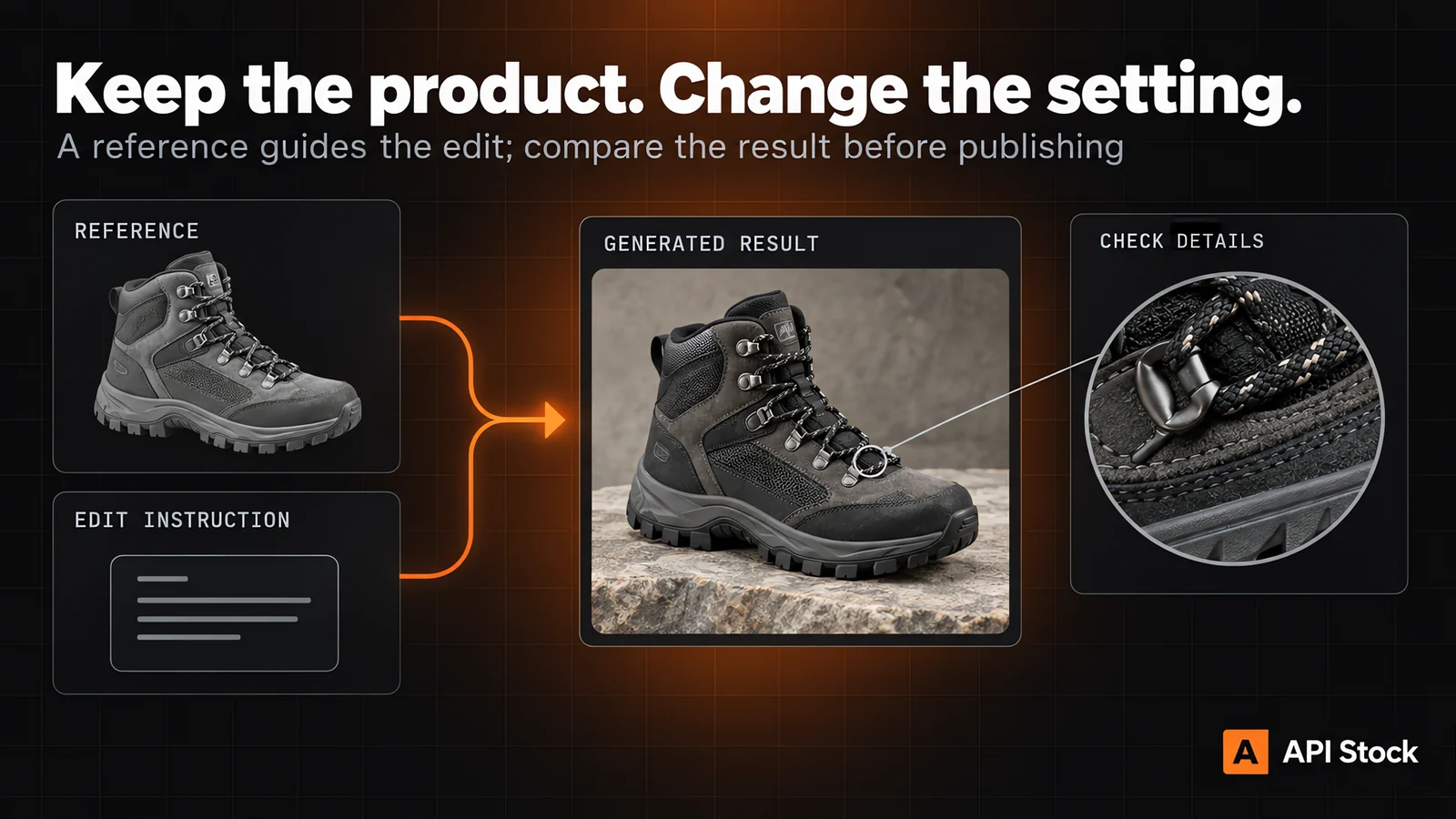
Editorial workflow illustration, generated with GPT Image 2.5 Sunburst. It is not an output sample from Nano Banana 2.1; the cover is also editorial.
A set of campaign variations. Keep the product reference and framing instructions fixed, and change one variable per request: the surface, the lighting or the setting. This makes it easier to identify which change improved the result. Separate generation tasks are independent; sharing a prompt does not guarantee an identical object or composition across them.
Is it better than Nano Banana 2?
We have not run a controlled comparison, so there is no measured quality or speed winner in this review. The confirmed differences in our integration are the separate model identifier, the three supported resolution tiers and the flat price. Nano Banana 2 is still a valid choice if it already produces accepted assets for your workflow.
To evaluate 2.1 on your own tasks, use the same prompts, reference files, ratio and resolution on both models. Include your awkward cases: a product with fine stitching, a composition with substantial empty space, or an edit where only the background should change. Decide what makes an image acceptable before looking at the outputs.
Record the number of accepted images, visible defects and time to completion. Then divide the total generation spend by accepted outputs. That small test will tell you more about a migration than selecting the newest version by name. Keep your existing model available until the replacement passes your own acceptance criteria.
How do you call Nano Banana 2.1 through the API?
Use the standard create endpoint with
model: "nano-banana-2.1". This text-to-image example requests a 4K square:
curl -X POST 'https://api.api-stock.com/api/v1/generation/create' \-H "Authorization: Bearer $API_STOCK_KEY" \-H 'Content-Type: application/json' \-d '{"model": "nano-banana-2.1","input": {"prompt": "A charcoal hiking boot on pale stone, soft daylight, the entire boot visible, no text or logos","size": "1:1","resolution": "4K"}}'
For an edit, add "urls": ["https://your-domain.example/boot.jpg"] to
input and replace that example address with an image URL the service can
fetch. Describe the intended edit in prompt. You do not need a separate
editing endpoint or a mode flag.
The create response gives you a task ID, not the finished image. Poll
GET https://api.api-stock.com/api/v1/task/status/<taskId> until it reaches a terminal status,
or provide a top-level webhook URL. Read the returned file URL only after
the task finishes successfully. See the task and webhook documentation
for response fields and terminal states.
For a batch, create one task per image and track each task ID. Do not add an
n field to this request. The defaults are 1K resolution and a 16:9 ratio;
set both explicitly when your application depends on a particular format.
FAQ
Is Nano Banana 2.1 available on API Stock now?
Yes. Nano Banana 2.1 is available on API Stock as of 7 October 2026.
Choose it on the model page or send nano-banana-2.1 through the API.
Does 4K cost more than 1K?
The price is $0.014 at 1K, 2K and 4K. The larger resolution has no generation-price surcharge in this configuration, though delivery and storage requirements can differ.
Can it edit an existing image?
Yes, the API contract accepts reference images through urls with
a prompt describing the edit. Review product details against the original;
reference input does not guarantee exact preservation.
Is Nano Banana 2 Lite still cheaper?
Yes. Its live price on 7 October 2026 is $0.005 for the 1K tier, compared with the $0.014 price for Nano Banana 2.1. Choose based on the output you need and how many attempts it takes to get an acceptable result.
Is this a hands-on quality benchmark?
No. This review covers the API contract, pricing and a practical evaluation workflow. It makes no measured claims about speed, text accuracy or visual quality relative to another model.
- nano-banana
- image
- pricing
- editing
Try it with your own key
Every model mentioned here is live in the API Stock catalog — one API key, one prepaid balance, automatic fallback between providers.
Read next
 NewsClaude API pricing after Sonnet 5.5 and Opus 5.5: cost per taskAnthropic released Claude Opus 5.5 and Sonnet 5.5 in late September 2026. What changed, what each Claude model costs per task, and which one to pick.·11 min read
 NewsSora 2 API is shut down: the alternatives and what they costOpenAI retired the Sora 2 API on 24 September 2026. Which video model replaces it for each job, what an 8-second clip with sound costs now, and how to switch.·7 min read
 PricingSeedance 2.5 API: release date, pricing and cost per clipSeedance 2.5 launched on 31 July 2026. What it costs per second at 480p, 720p and 1080p, what changed since 2.0, and when a cheaper Seedance does the job.·8 min read