Anleitung
Grok image editing: photo URLs, model choice and cost
Edit a photo with Grok Imagine 1.5 using a public image URL, not an image ID: copy a request, retrieve the result and budget $0.022 per generation.
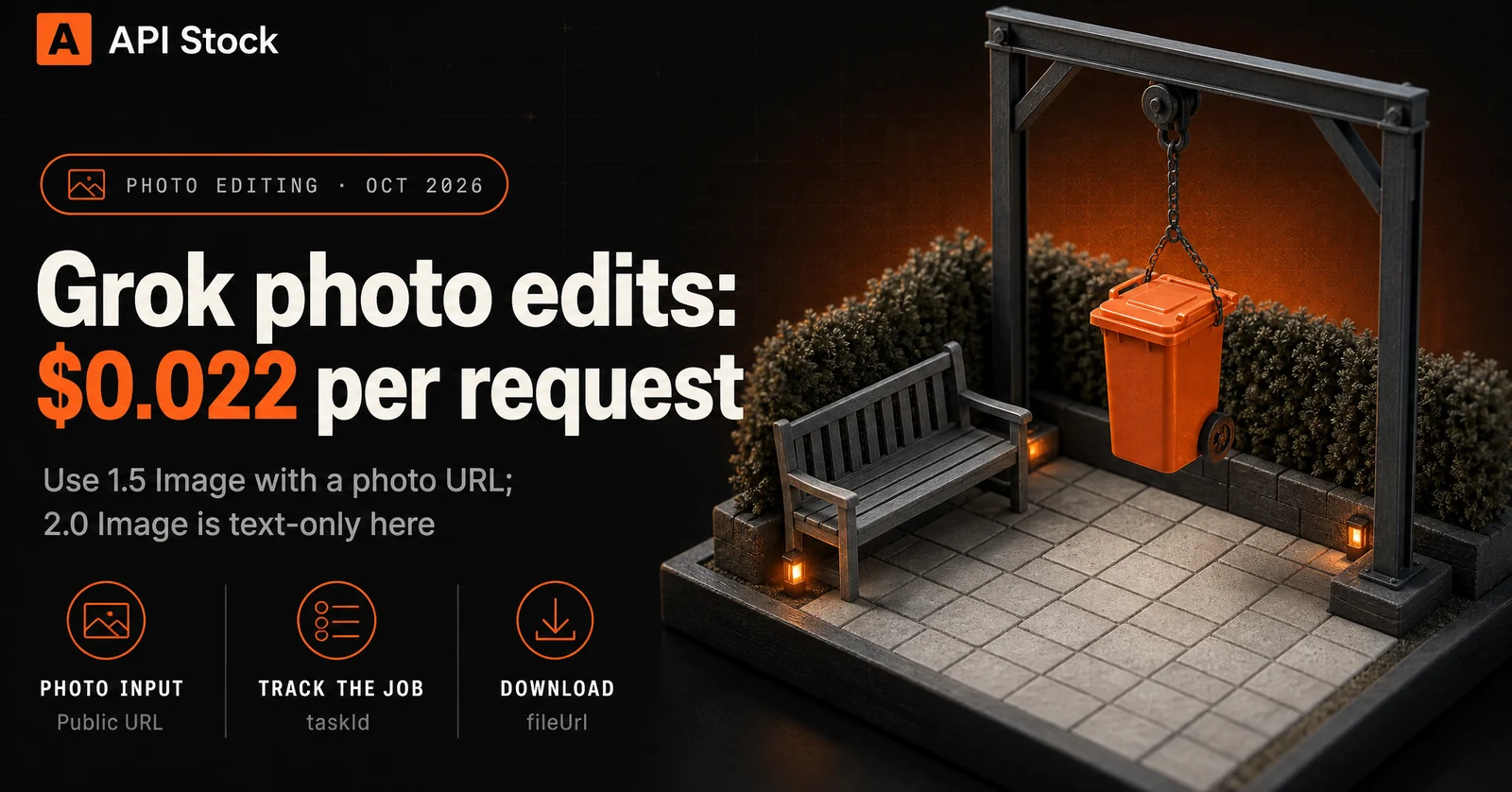
To edit an existing photo through API Stock, use Grok Imagine 1.5 Image with the photo's public URL in input.urls; today's listed price is $0.022 per generation. Grok Imagine 2.0 Image is text-to-image only in this catalog, so it is not the model to select for an edit. You do not need to invent an image ID: the source is a URL, and the taskId returned afterwards tracks the job.
Which Grok model accepts a photo for editing?
The live API Stock catalog distinguishes these two image models as follows, as of 18 October 2026:
| Model | Supported input workflow | Listed price per generation |
|---|---|---|
| Grok Imagine 1.5 Image | Text, optionally with a reference photo in urls | $0.022 |
| Grok Imagine 2.0 Image | Text only; no reference-image field | $0.022 |
These are the interfaces available here, rather than a claim about every Grok app or API. Instructions for another service may use different field names or identifiers; copy the contract for the endpoint you are actually calling.
For a first edit, open Grok Imagine 1.5 Image, sign in, add your source photo through the reference-image control and paste one of the prompts below. Choose an aspect ratio matching your photo and review the displayed cost before running. The pricing page has the current tariff if you are reading this later.
What is the image ID format for a Grok edit?
There is no source-image ID field in this model's API Stock request. Three values appear at different stages:
| Value | Where it belongs | What it does |
|---|---|---|
| Public photo URL | input.urls, as an array of strings | Supplies the photo you want to edit |
taskId | In the task-status URL after creation | Identifies the asynchronous job |
files[].fileUrl | In the finished task response | Points to a downloadable result image |
A filename such as garden.jpg, a local path or an ID copied from a chat application does not give the service access to your photo. For the API example below, use an HTTPS URL that returns the image file without a login. A sharing page that opens an album is not the same as a direct image URL. Keep the link valid while the job is queued and running.
![A photo URL goes in; a task ID comes out. Your photo URL enters 1.5 Image + urls, which returns taskId. Poll until finished to obtain files[].fileUrl. For the next edit, use the file URL.](/blog/grok-image-editing-photo-url/url-to-result.webp)
What should you ask Grok to change in a photo?
Start with a small, inspectable edit. For example, you have a garden photograph with a distracting wheelie bin beside the bench. The desired result is the same garden with that bin removed and plausible paving in its place.
Object removal prompt:
Remove the wheelie bin beside the garden bench. Reconstruct the pavingand hedge behind it with lighting consistent with the source photo.Keep the bench, fence, plants, camera position and framing unchanged.
After the result arrives, check the paving joints, the bench legs and the newly exposed hedge. The model has to invent what was hidden behind the bin; it cannot recover a photograph of that area. The preservation instruction is a request, not a guarantee that every other pixel stays fixed.
For another common edit, keep the same photo and ask for a different atmosphere:
Lighting concept prompt:
Show this garden in soft evening light. Preserve the existing gardenlayout, bench, fence and planting. Keep the camera angle and crop.Make the shadows consistent with the new light.
Treat this as a visual concept. It can change apparent colours and surface details, so it is unsuitable as evidence of a property's actual condition. If you need exact retouching around a boundary, use a manual selection and layers in a photo editor. This Grok interface exposes a reference photo and text instruction, without a mask control.
These are suggested prompt recipes, not a measured test of editing quality. The cover and diagram are generated editorial illustrations, not Grok before-and-after results. For other editing workflows, see the image-editing guide.
How do you send the photo-editing request?
Set API_STOCK_KEY to your own key and PHOTO_URL to your source image's direct HTTPS URL before running this shell example. It uses jq to put the URL safely into JSON; replace the example photo address with a file you control.
export PHOTO_URL='https://your-image-host.example/garden.jpg'jq -n --arg photo "$PHOTO_URL" '{model: "grok-imagine-1.5-image",input: {prompt: "Remove the wheelie bin beside the garden bench. Reconstruct the paving and hedge behind it with consistent lighting. Keep the bench, fence, plants, camera position and framing unchanged.",size: "3:2",urls: [$photo]}}' | curl --fail-with-body "https://api.api-stock.com/api/v1/generation/create" \-H "Authorization: Bearer $API_STOCK_KEY" \-H "Content-Type: application/json" \--data-binary @-
The reference field is urls, inside input. Do not substitute imageId, imageUrls or taskId. The chosen 3:2 is an aspect ratio, not a pixel-resolution setting. The catalog also accepts 1:1, 16:9, 9:16 and 2:3 for this model; use the ratio that suits your original.
The create response contains data.taskId. Copy that value into TASK_ID, then check its status:
curl --fail-with-body "https://api.api-stock.com/api/v1/task/status/$TASK_ID" \-H "Authorization: Bearer $API_STOCK_KEY"
Wait for data.status to be finished, then download the image at data.files[0].fileUrl. A successful create response means the job was accepted; it is not the finished edit. See the model request reference and task-status documentation for the response shape and terminal statuses.
For a further edit, put the finished image's file URL into a new request's urls array. Each new request is another generation. When trying alternative prompts, return to the original photo so you can compare the alternatives against the same source.
How much should you budget for a usable edit?
The catalog lists a flat $0.022 per generation for Grok Imagine 1.5 Image on 18 October 2026. At that tariff, one attempt is 2.2 US cents; three separately submitted attempts total $0.066. That is a planning example, not a prediction that three attempts will produce a keeper.
Budget for review and possible additional generations. A completed image can still have a bent fence rail, an altered plant or a changed crop. Rejecting a finished result because you dislike it does not make it a failed task; the task documentation describes refunds for tasks that actually fail. Check the quoted cost in the playground before submitting.
For your first run, keep it simple: open 1.5 Image, supply one garden photo and ask for one visible change. Compare the result with the source before paying for another variation.
FAQ
Can Grok Imagine 2.0 edit my uploaded photo here?
The current catalog exposes 2.0 Image for text-to-image only, with no urls input. Select 1.5 Image for the reference-photo workflow described here.
Should I pass an image ID or a task ID as the source?
Pass the photo's direct public URL inside input.urls. A taskId identifies a job for status checks; when reusing its result, retrieve the finished job's fileUrl instead.
Why did an edit produce an unrelated image?
Check that you selected grok-imagine-1.5-image and supplied a non-empty input.urls array containing a reachable image. Without a reference photo, the model also supports ordinary text-to-image generation.
Will everything outside the requested change stay identical?
Do not assume it will. This is a reference-guided generation without an exposed mask input; inspect the full result and use a conventional photo editor when exact preservation is essential.
Does $0.022 buy a guaranteed finished retouch?
It is the listed tariff for one generation, not a guarantee of an acceptable retouch. Further submitted variations are additional generations, and you should review the displayed quote before each run.
- grok
- image
- editing
Mit eigenem Schlüssel ausprobieren
Jedes hier erwähnte Modell ist im API Stock-Katalog verfügbar — ein API-Schlüssel, ein Prepaid-Guthaben, automatisches Failover zwischen Anbietern.
Weiterlesen
 AnleitungAI support ticket summaries: a MiniMax M3 handoff tutorialTurn a support thread into a source-backed agent handoff with MiniMax M3: a reusable prompt, an API example and a $1.08-per-1,000 token-cost scenario.·8 Min. Lesezeit
 AnleitungSuno API: key, pricing, docs and first songSuno API key, music pricing and a working request-to-audio example. Hear the first result and learn task polling, track IDs and editing limits.·11 Min. Lesezeit
 AnwendungsfallAI wall paint color preview: your room, three shades and costPreview wall paint colors in your own room photo with Seedream Pro from $0.042 per image, using paint-only prompts and checks before buying real samples.·9 Min. Lesezeit