Bild
Bildgenerierung
Zuverlässige Bilder erstellen: Modellauswahl, Prompts, Formate und Iterationen.
Ein produktionsreifes Bild beginnt mit einer klaren Absicht, einem Hauptmotiv und einem festgelegten Format. Referenzen sind besser als Adjektive, wenn Farbe, Material oder Stil genau stimmen müssen.
Praktische Grundlagen
Wählen Sie das Modell nach der wichtigsten Eigenschaft — Tempo, Genauigkeit, Auflösung oder Kontrolle — und speichern Sie Parameter und Version jedes Ergebnisses. nano-banana-*, gpt-image-2, z-image and seedream-* — Image generation.
Ändern Sie pro Versuch nur eine Sache. Gute Ausgaben werden zu Referenzen und damit zum zuverlässigsten Ausgangspunkt der nächsten Iteration.
Behandeln Sie finished und failed als Endzustände. Nutzen Sie Polling oder Webhooks, bewahren Sie Rohfehler serverseitig auf und zeigen Sie Nutzerinnen und Nutzern nur sichere Meldungen.
Prompts und API-Beispiele
A minimalist composition featuring a single, delicate red maple leaf positionedin the bottom-right of the frame. The background is a vast, empty off-whitecanvas, creating significant negative space for text. Soft, diffused lightingfrom the top left. Square image.
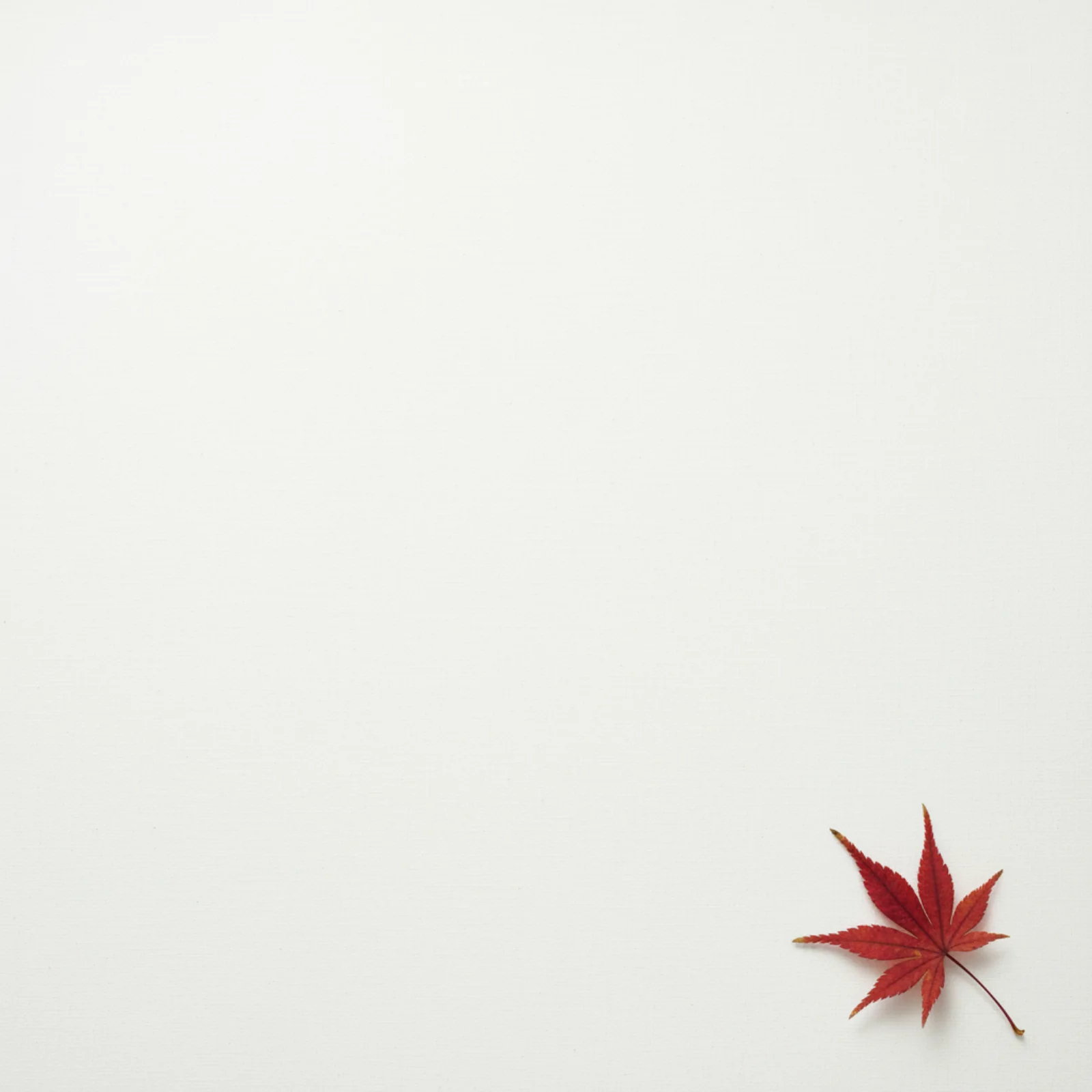
Source: Google AI for Developers, used under CC BY 4.0; format and dimensions adapted.
A high-resolution, studio-lit product photograph of a minimalist ceramic coffeemug in matte black, presented on a polished concrete surface. The lighting is athree-point softbox setup designed to create soft, diffused highlights andeliminate harsh shadows. The camera angle is a slightly elevated 45-degree shotto showcase its clean lines. Ultra-realistic, with sharp focus on the steamrising from the coffee. Square image.
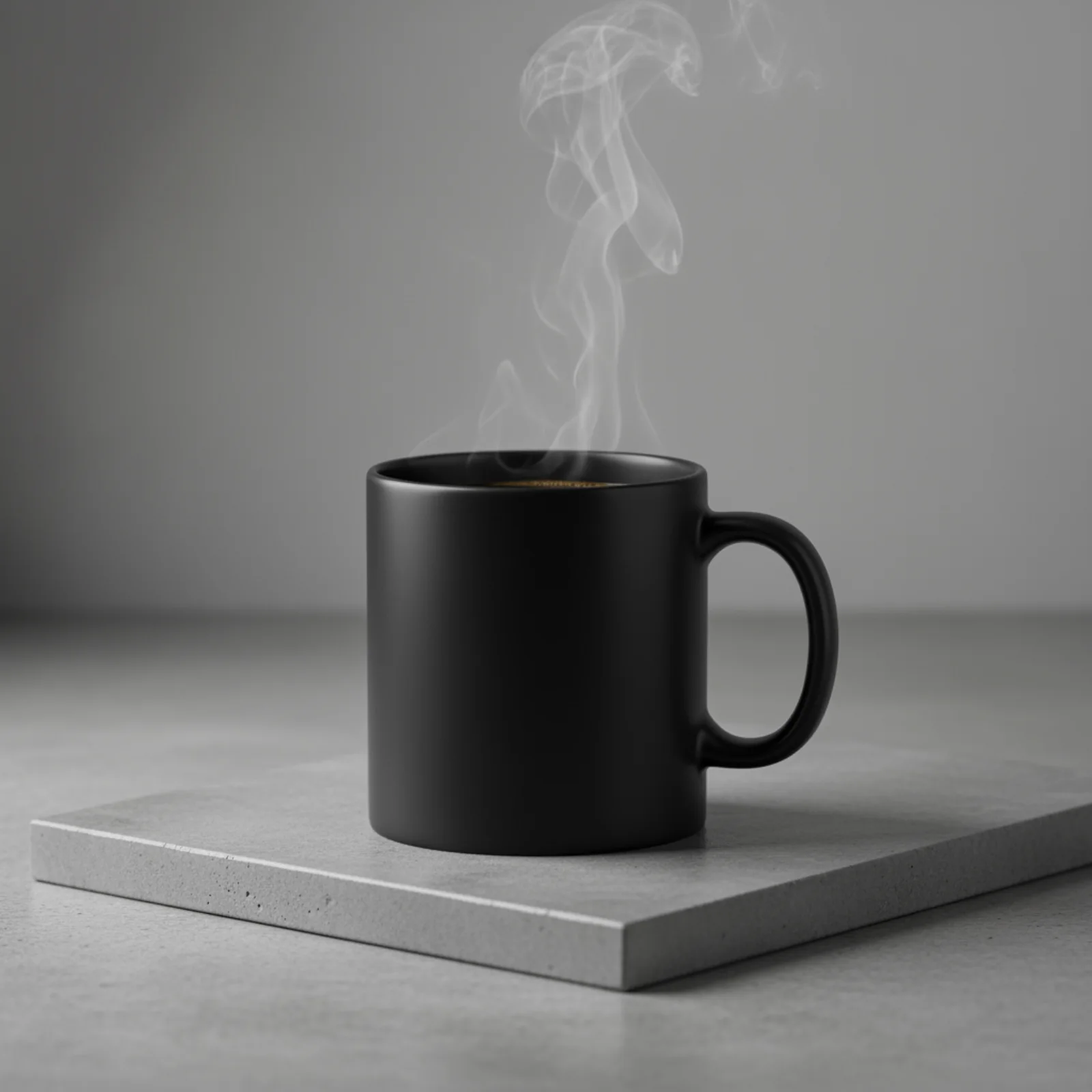
Source: Google AI for Developers, used under CC BY 4.0; format and dimensions adapted.
A photo of a glossy magazine cover, the minimal blue cover has the large boldwords Nano Banana. The text is in a serif font and fills the view. No othertext. In front of the text there is a portrait of a person in a sleek andminimal dress. She is playfully holding the number 2, which is the focal point.Put the issue number and "Feb 2026" date in the corner along with a barcode. Themagazine is on a shelf against an orange plastered wall, within a designer store.
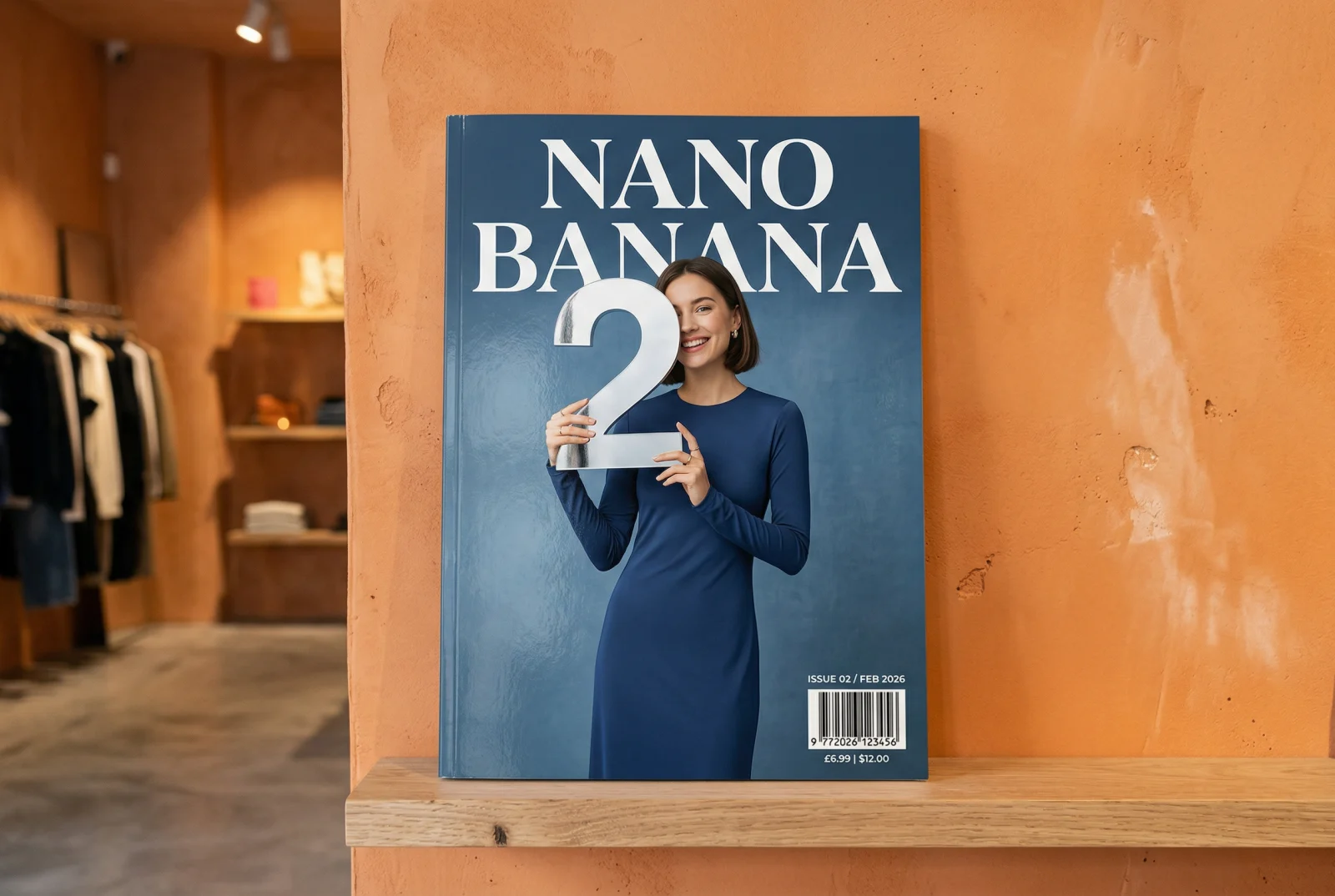
Source: Google AI for Developers, used under CC BY 4.0; format and dimensions adapted.
Mascot character for a developer tool: a friendly otter wearing a smallbackpack, vector illustration, thick outlines, limited palette of teal andsand, plain background
Abstract geometric background, overlapping translucent planes in indigo andamber, soft grain, no text
About these samples. Ready-made examples are copied to our own storage only when their source permits reuse. The exact prompt appears above each result, and the original source and license are linked below the media.
{"code": 200,"data": {"taskId": "019ca8b2-77d1-7a04-8c2e-15f9b0d4a6e1","status": "finished","files": [{"fileUrl": "https://storage.api-stock.com/generated/img-1a.png","fileType": "image"},{"fileUrl": "https://storage.api-stock.com/generated/img-1b.png","fileType": "image"},{"fileUrl": "https://storage.api-stock.com/generated/img-1c.png","fileType": "image"},{"fileUrl": "https://storage.api-stock.com/generated/img-1d.png","fileType": "image"}],"createdTime": "2026-02-28T12:41:02.000Z"}}
curl -X POST https://api.api-stock.com/api/v1/generation/create \-H "Authorization: Bearer sk-your-key" \-H "Content-Type: application/json" \-d '{"model": "nano-banana-2","input": {"prompt": "A brass orrery on a walnut desk, single window light, shallow depth of field","size": "3:2","resolution": "2K"}}'
{"code": 200,"data": {"taskId": "019ca8b2-77d1-7a04-8c2e-15f9b0d4a6e1","status": "not_started","createdAt": "2026-02-28T12:41:02.000Z"}}
{"model": "gpt-image-2","input": {"prompt": "A brass orrery on a walnut desk, single window light","size": "3:2","resolution": "2k","quality": "high"}}
{"model": "midjourney","input": {"action": "imagine","prompt": "A brass orrery on a walnut desk, single window light","size": "3:2","version": "7","stylize": 250,"chaos": 15,"speed": "relax"}}
const BASE = "https://api.api-stock.com/api/v1";const KEY = process.env.API_STOCK_KEY!;type TaskFile = { fileUrl: string; fileType: "image" | "video" | "music" };async function generateImage(prompt: string): Promise<string[]> {const create = await fetch(`${BASE}/generation/create`, {method: "POST",headers: {Authorization: `Bearer ${KEY}`,"Content-Type": "application/json",},body: JSON.stringify({model: "seedream-5-0-lite",input: { prompt, size: "1:1", resolution: "2K", outputFormat: "png" },}),});const created = await create.json();if (!create.ok) {throw new Error(`${created.error.code}: ${created.error.message}`);}const taskId: string = created.data.taskId;const deadline = Date.now() + 10 * 60_000;while (Date.now() < deadline) {await new Promise((r) => setTimeout(r, 3_000));const res = await fetch(`${BASE}/task/status/${taskId}`, {headers: { Authorization: `Bearer ${KEY}` },});const body = await res.json().catch(() => null);if (!res.ok) {if (res.status === 429) {const retryAfter = Number(res.headers.get("Retry-After") ?? 3);await new Promise((r) => setTimeout(r, retryAfter * 1000));continue;}const message = body?.error?.message ?? `${res.status} ${res.statusText}`;throw new Error(message);}const { data } = body;if (data.status === "finished") {return (data.files as TaskFile[]).map((f) => f.fileUrl);}if (data.status === "failed" || data.status === "expired") {throw new Error(data.errorMessage);}}throw new Error(`timed out waiting for ${taskId}`);}const urls = await generateImage("Isometric cutaway of a lighthouse");console.log(urls.length); // → 1
{"code": 400,"error": {"message": "Resolution \"3K\" is not supported by model seedream-4-5","type": "BadRequest","code": "invalid_input"}}
{"code": 200,"data": {"taskId": "019ca8b2-77d1-7a04-8c2e-15f9b0d4a6e1","status": "failed","createdTime": "2026-02-28T12:41:02.000Z","errorMessage": "This generation may violate our content policy. Please try a different prompt."}}

Mit dem eigenen Schlüssel ausführen
Wählen Sie ein Modell im API Stock-Katalog, prüfen Sie den Preis und testen Sie es im Browser oder per API.